STEP 1 · OFFICE
Add the transformer and link it to the client
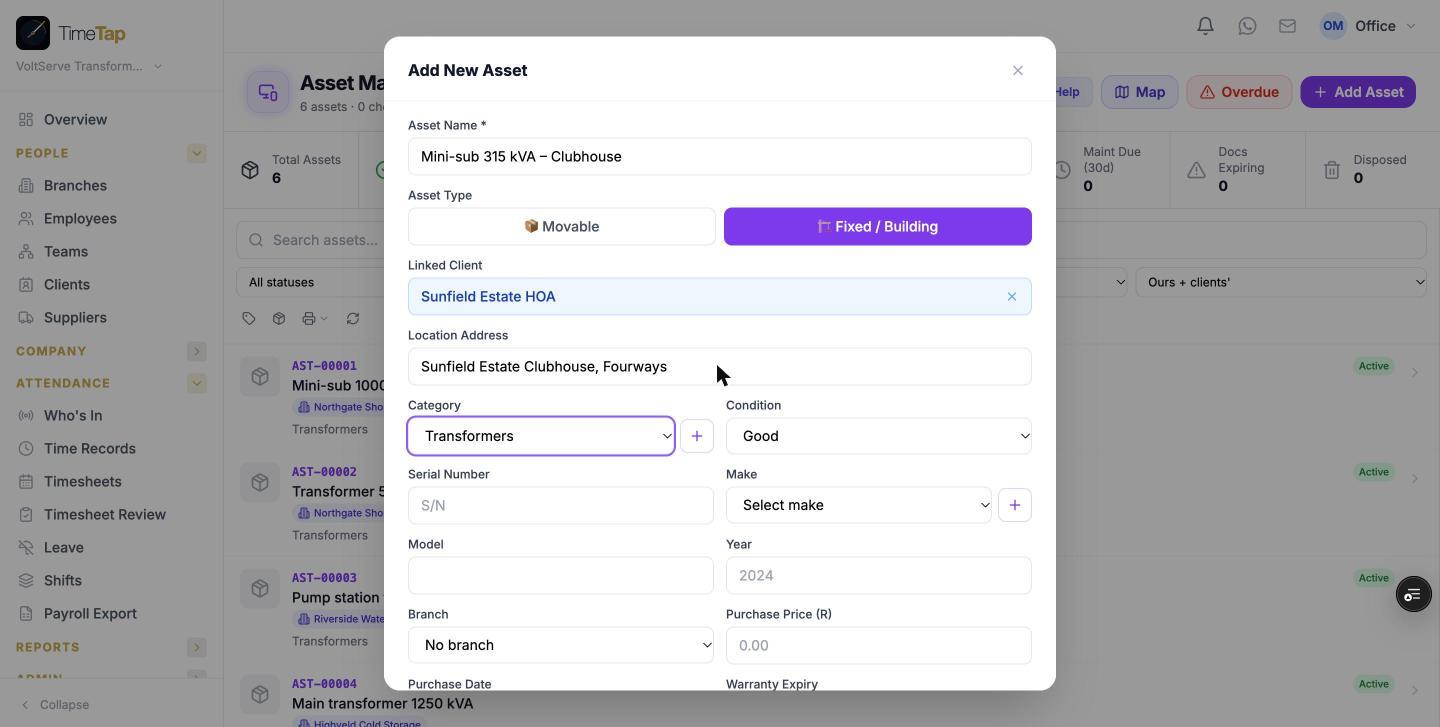
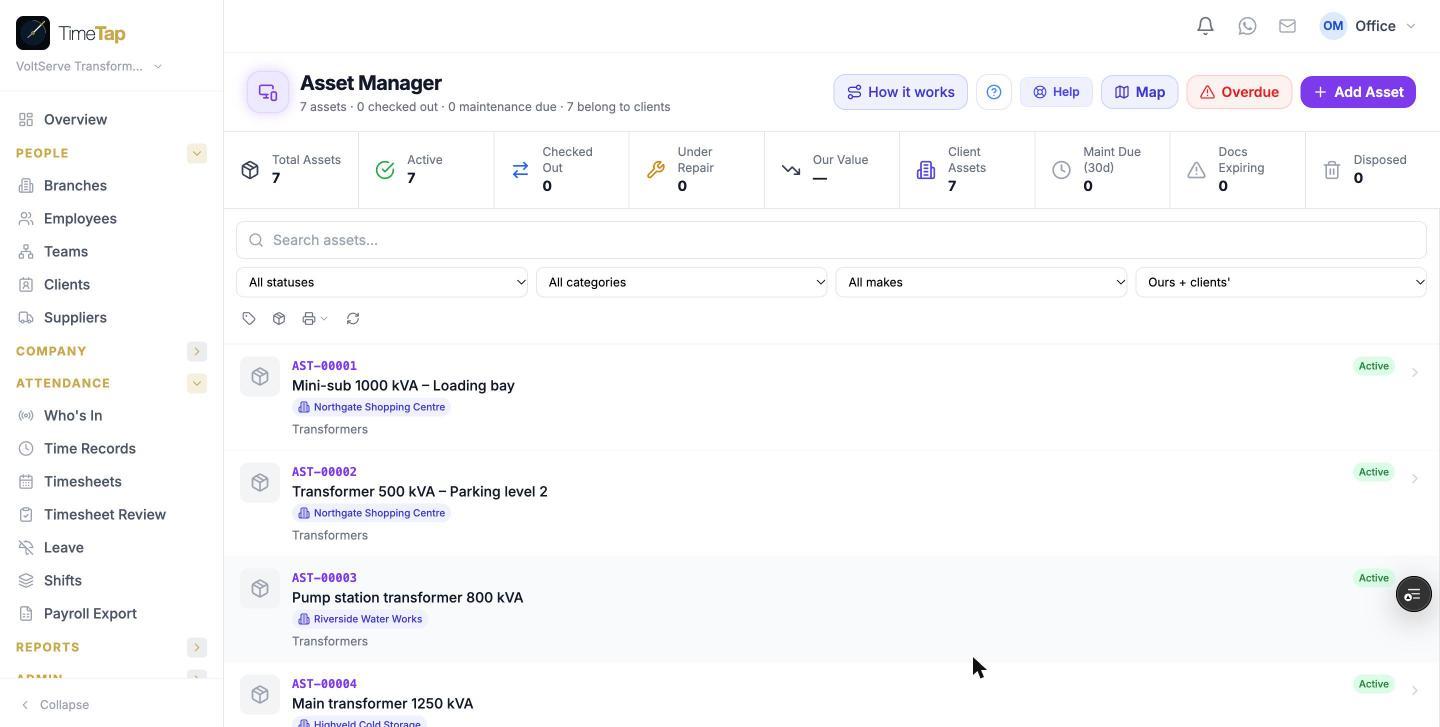
Where: Assets → Add Asset
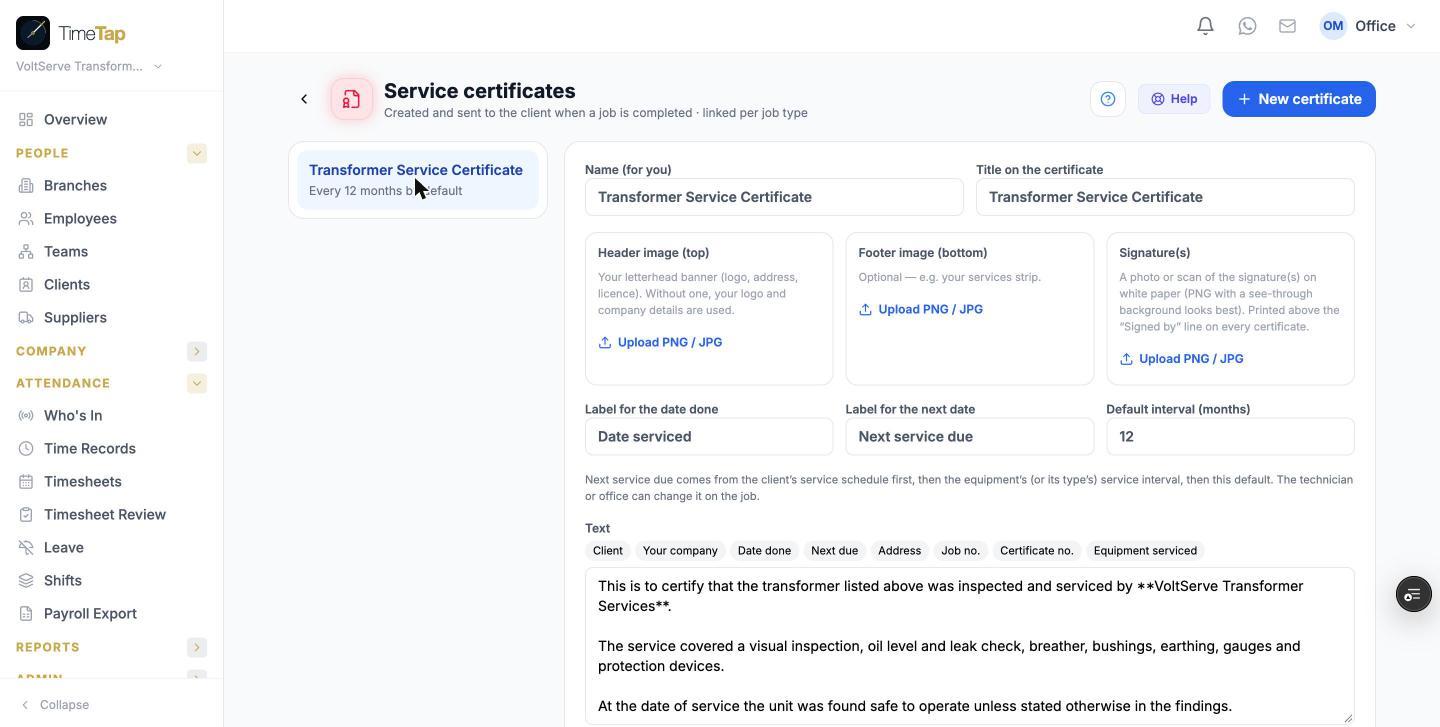
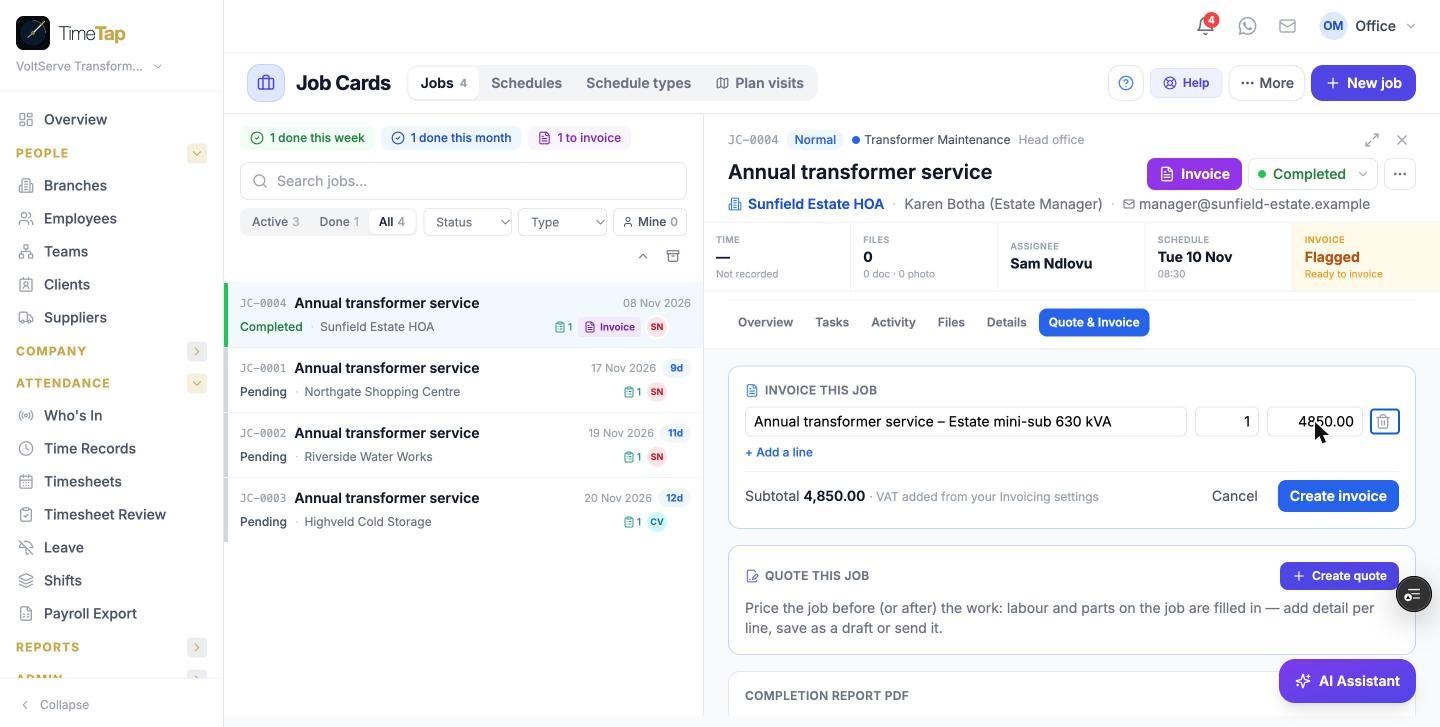
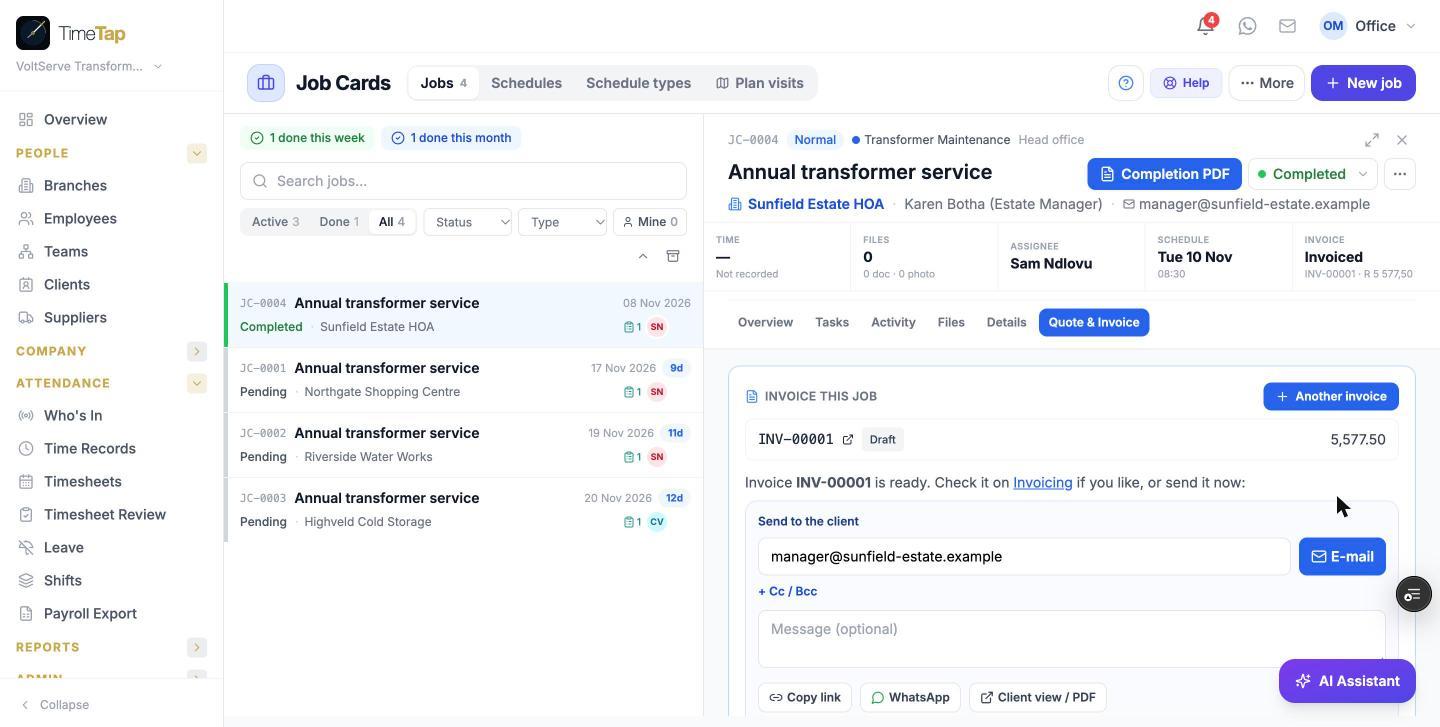
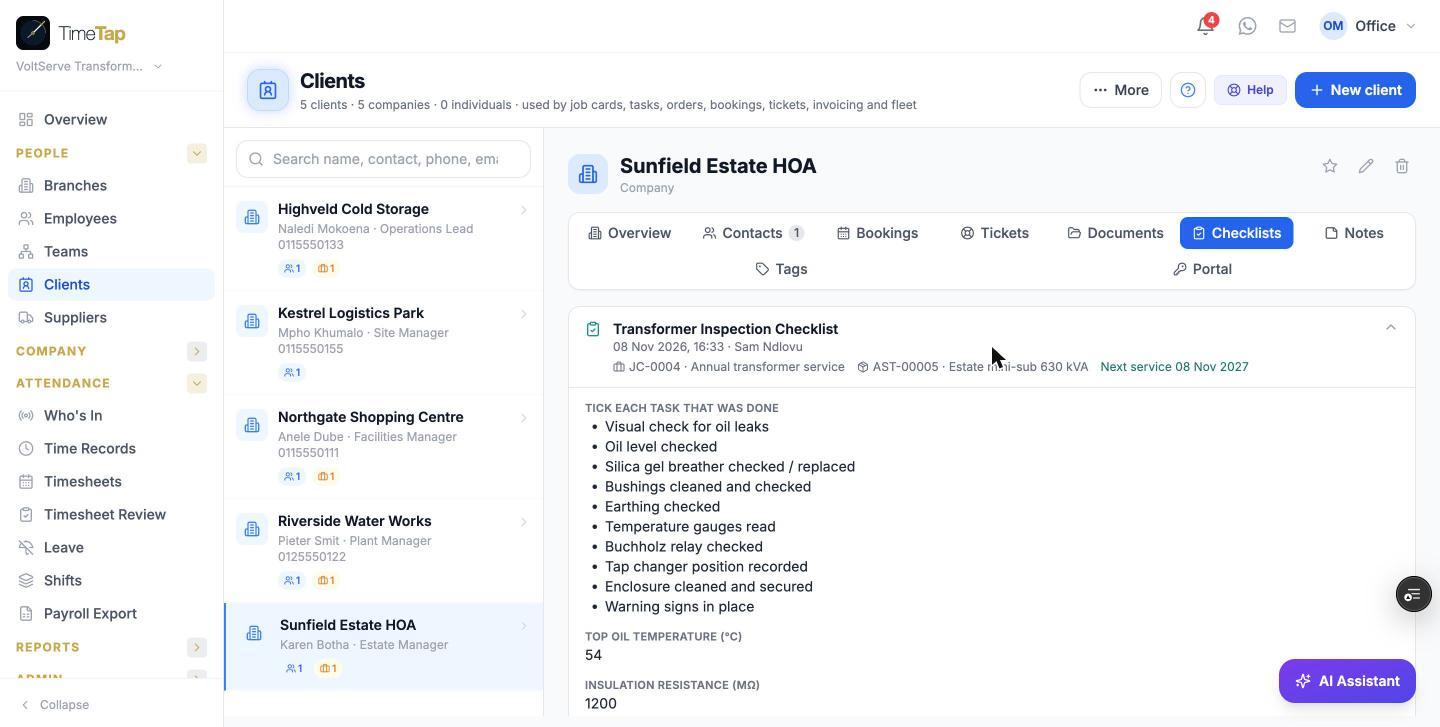
Every transformer you look after is an asset in TimeTap, linked to the client who owns it and to the address where it is installed. One transformer = one asset — a site with three transformers gets three assets.
- Asset Name — what the technician will recognise on site.
- Asset Type — choose Fixed / Building for an installed unit.
- Linked Client — ties every job, checklist, certificate and invoice to that client.
- Location Address — the exact installation address the technician drives to.
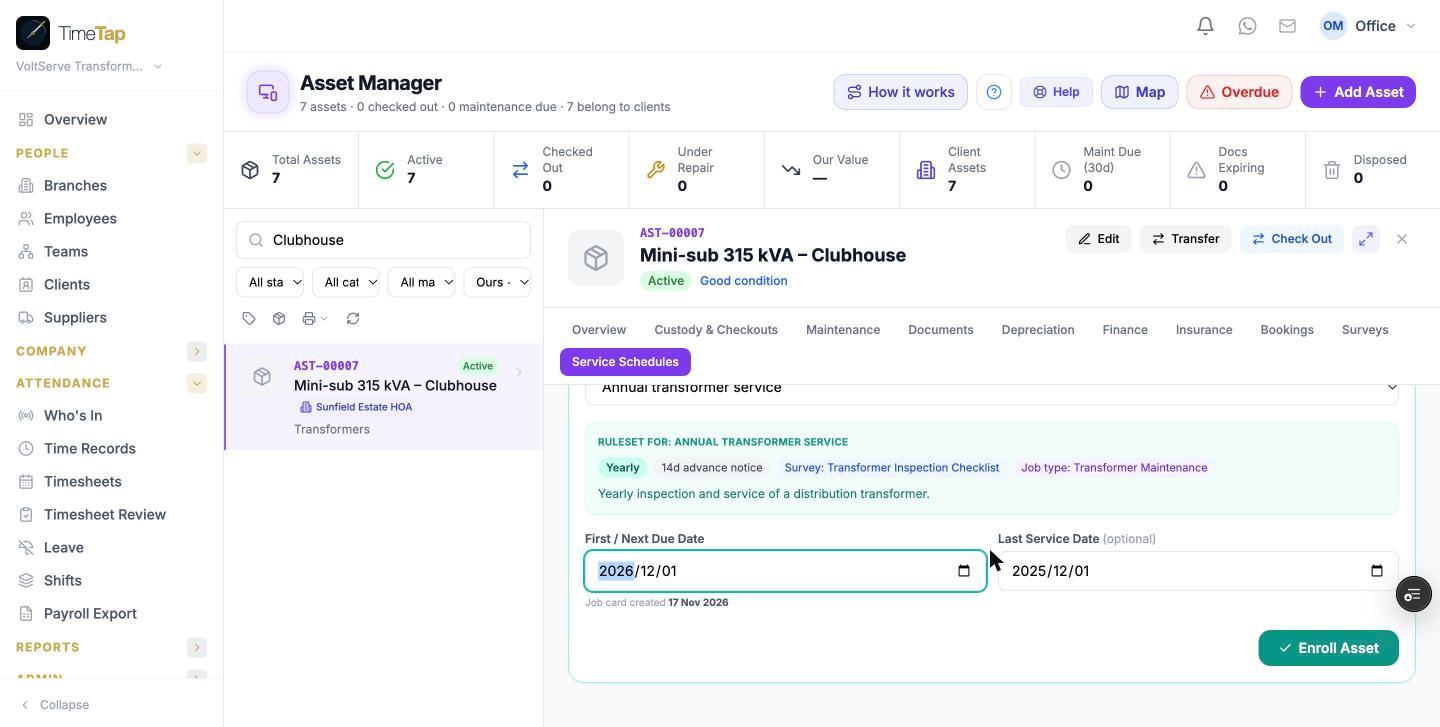
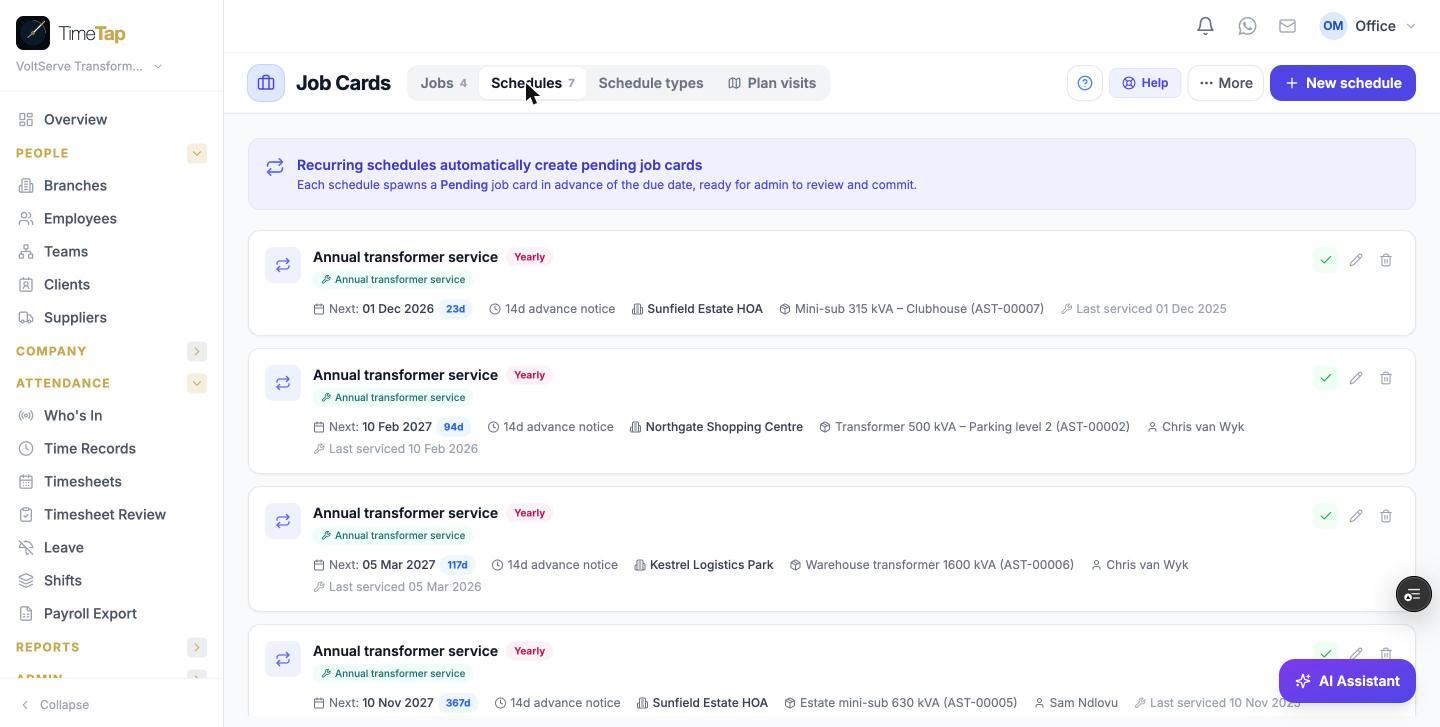
- Category — optional; a category with a service interval gives a next-due date even before a schedule exists.